
Atolio for Gemini Enterprise
Gemini Enterprise, grounded in every system you run
Gemini gets cited context from every system you run through Atolio, scoped to whoever is asking, from inside your environment.
Atolio for Gemini Enterprise
Gemini gets cited context from every system you run through Atolio, scoped to whoever is asking, from inside your environment.
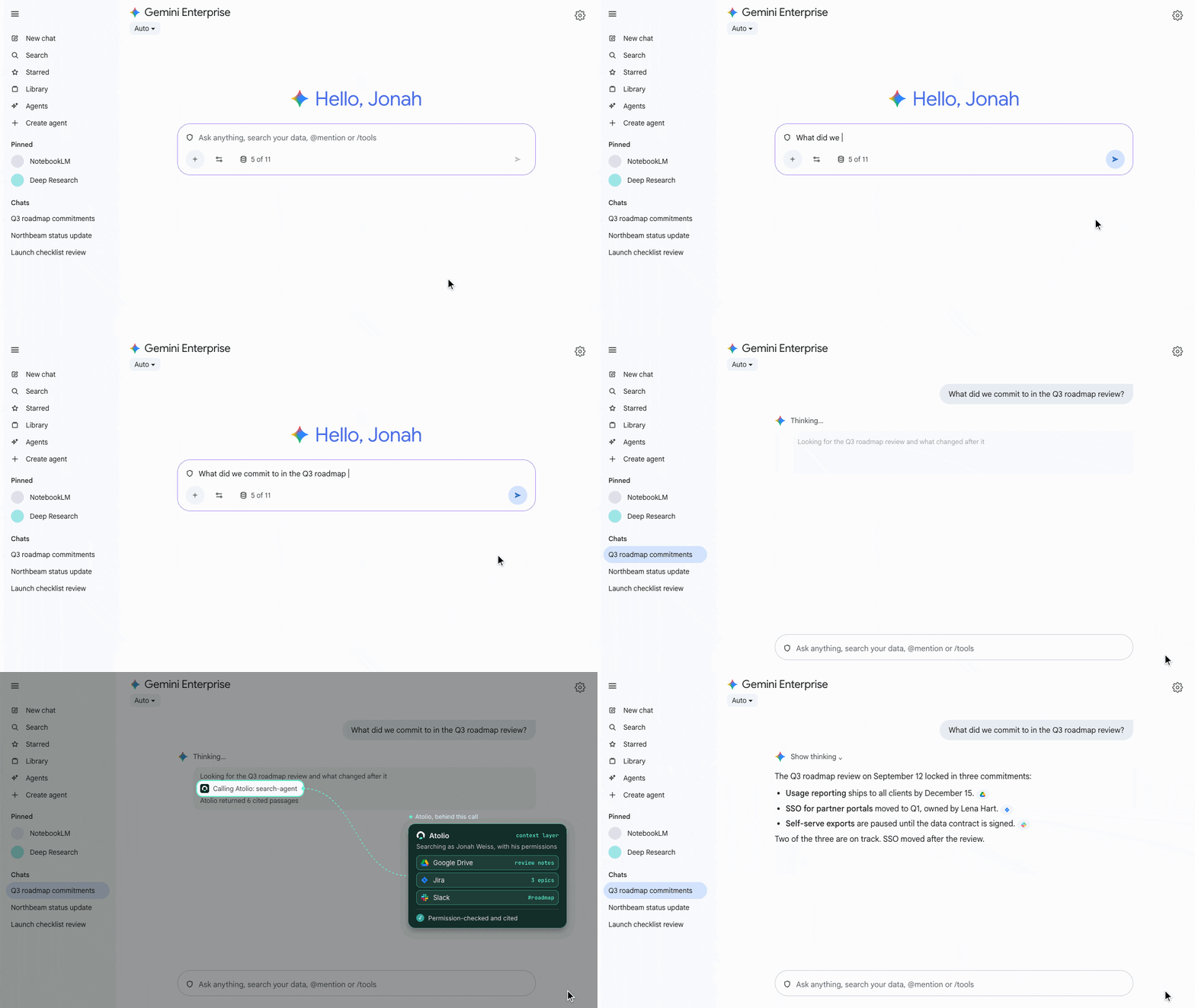

Atolio in Gemini Enterprise
Gemini answers from Slack, Salesforce, Jira, SharePoint and more, alongside Drive and Gmail.
Context is scoped to the user asking. Permissions sync continuously from your source systems and are checked on every query.
Agents built with Google’s Agent Development Kit connect once and inherit the same scopes and logging.
The Gemini licenses you already have answer more questions, with citations people can check.
Trusted by teams across leading enterprises


Add Atolio’s endpoint to Gemini Enterprise and sign in with your identity provider. Your admins choose who can connect.
Signed in as each user
Off until you approve it
What Gemini receives
Inside your environment · cloud or on-prem
Signed in as each user
Every request runs as the user asking, so Gemini sees only what they can see.
Gemini Enterprise
Works in
Gemini Enterprise
Gemini CLI
Agents built with Google’s Agent Development Kit
Gemini Enterprise Agent Platform
Gemini Enterprise
What did we commit to in the Q3 roadmap review?
Gemini Enterprise
Draft a status update for the Northbeam team.
ADK agents
Summarize every open incident for my services.
What did we commit to in the Q3 roadmap review?
Atolio, behind this call

Atolio

Google Drive

Jira

Slack

Salesforce

ServiceNow
Slack

GitHub
Jira

Confluence
Gemini Enterprise
Docs, Jira epics and the Slack decisions behind them, cited.
Google Drive
Jira
Slack
The latest from CRM, support and the account channel, in one draft.
Salesforce
ServiceNow
Slack
An agent scoped to engineering data, with every call logged in Atolio.
GitHub
Jira
Confluence
The same index, permissions and logs work across every assistant and agent your team uses.
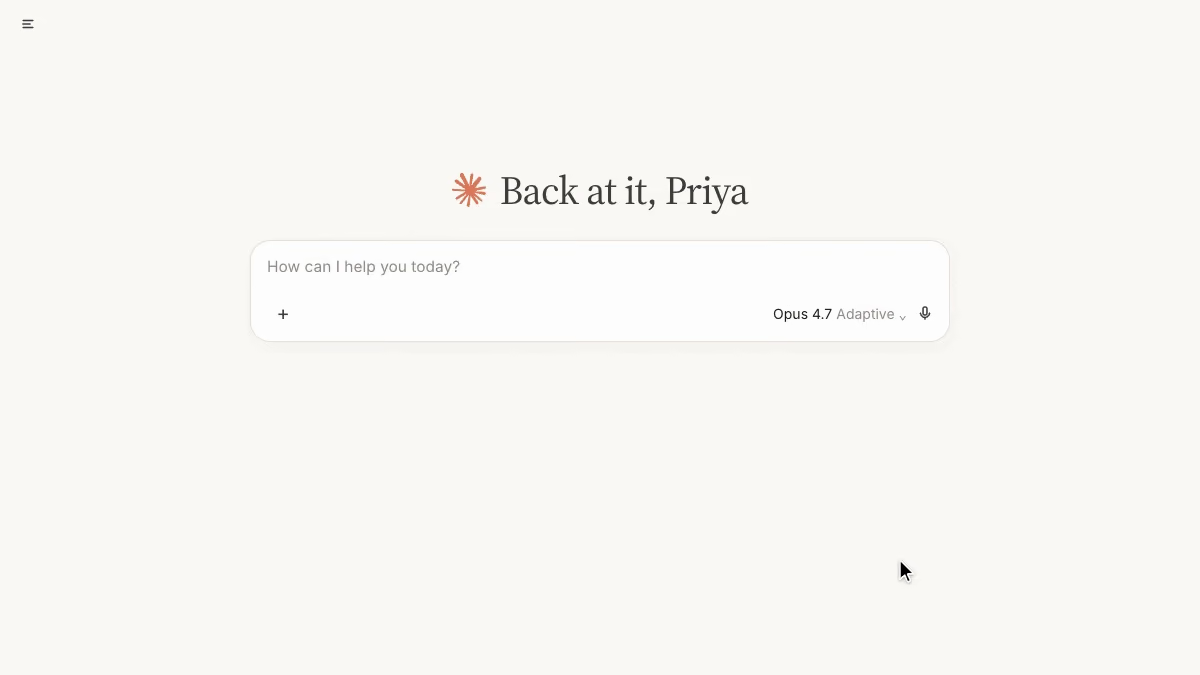

Atolio for Claude
Claude, grounded in everything your company knows
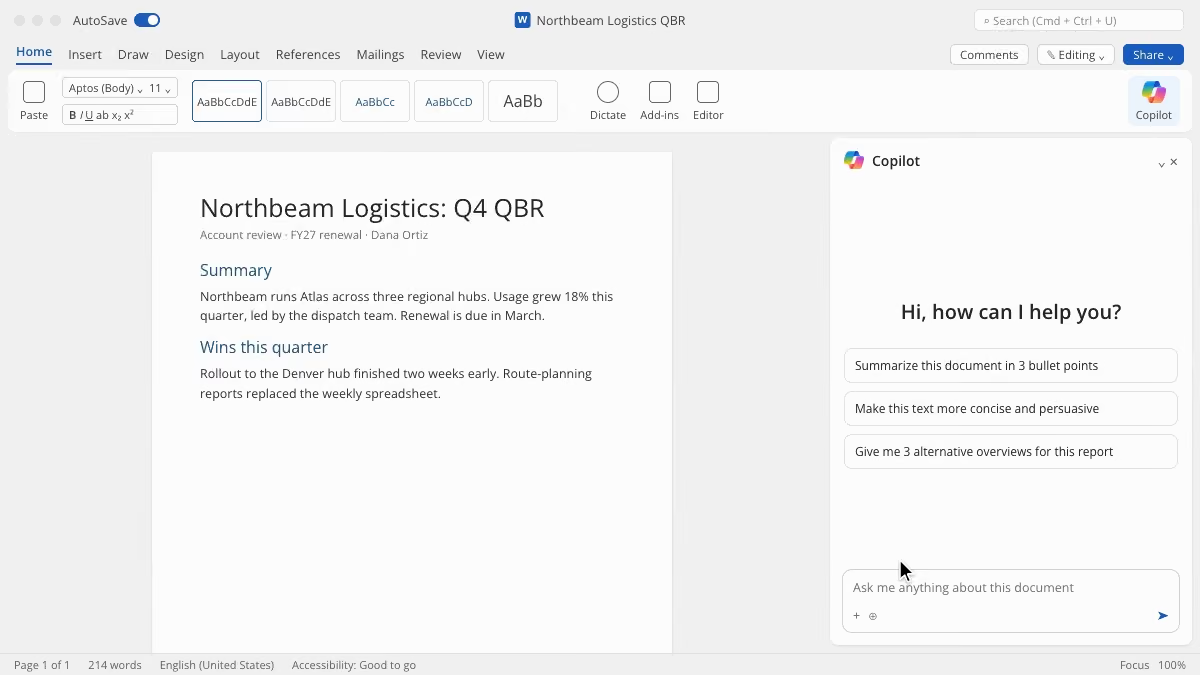

Atolio for Microsoft 365 Copilot
Microsoft 365 Copilot, grounded in every system you run
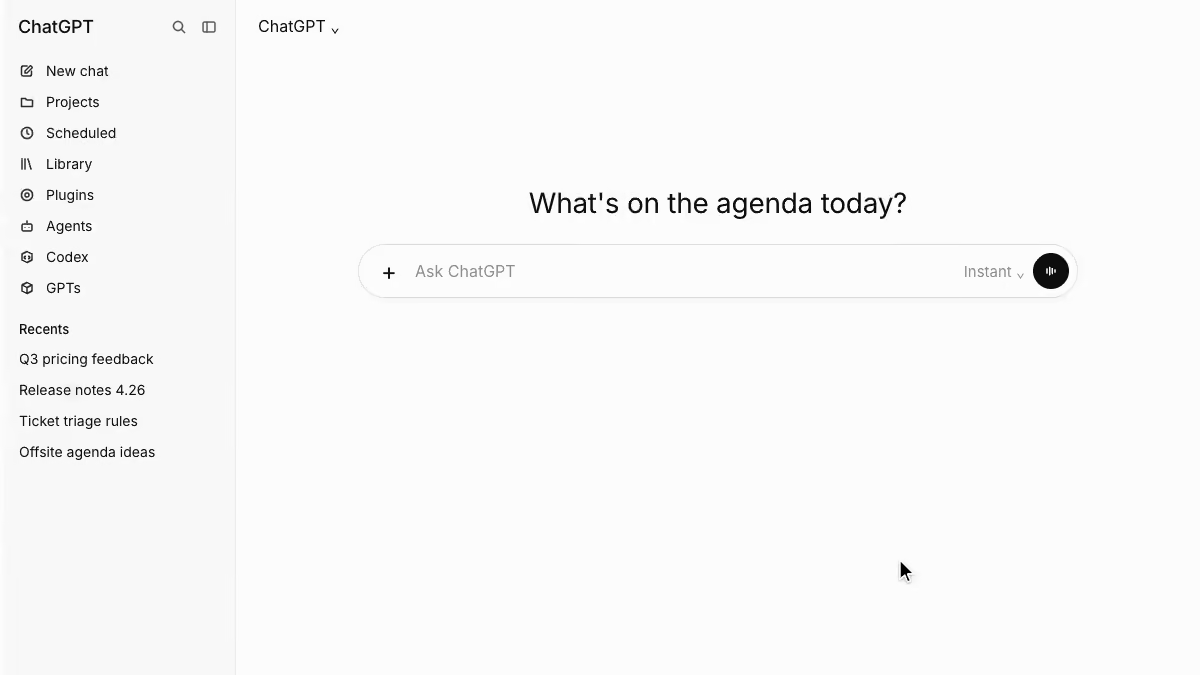

Atolio for ChatGPT
ChatGPT, grounded in everything your company knows
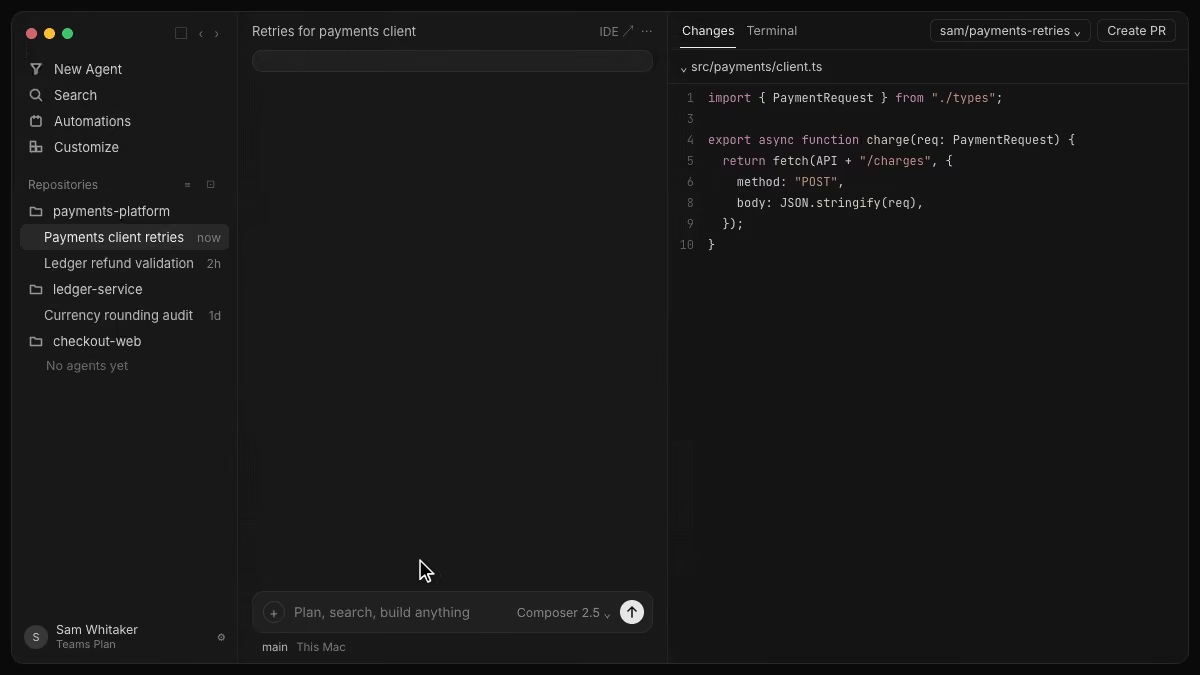

Atolio for Cursor
Cursor, now with your company context powering every line of code
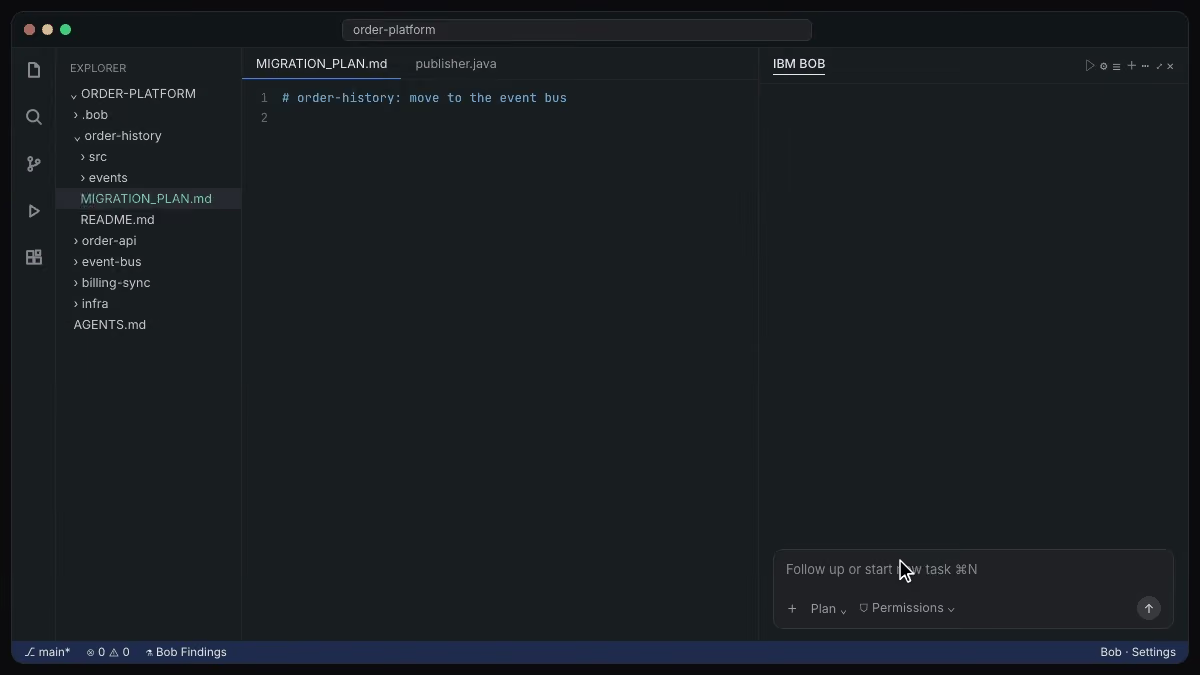

Atolio for IBM Bob
IBM Bob, now with your company context powering every line of code
FAQs
You connect Atolio to Gemini Enterprise by adding Atolio’s Model Context Protocol (MCP) endpoint as a data source.
A Gemini Enterprise admin adds the endpoint once and turns on the tools your people can use. The first time each user uses it, they sign in to Atolio through your single sign-on (SSO), and every request after that runs as them.
Access is off by default on the Atolio side too. Your Atolio admins approve which tools can connect and which people can use them, so a pilot group can start first.
The same endpoint works in Gemini CLI and in agents your developers build with Google’s Agent Development Kit (ADK). You keep one connection instead of one per surface.
Google is updating how Gemini Enterprise connects to outside data quickly, so we keep step-by-step instructions in the Atolio setup guide rather than on this page.
Turning a tool or a user off in Atolio takes effect on their next request, so pausing a pilot is a single change.
Gemini receives only the context Atolio returns for each request, not your index or your source systems.
Atolio runs in your own cloud account or on-prem, under your keys. That can be Google Cloud, another cloud or your own data center. Your content, permissions and index stay there.
When someone asks Gemini a question, Atolio finds the passages that user is allowed to see, ranks them and returns a short, cited answer for that request. That response is handled under your Google Cloud agreement, like other content in Gemini Enterprise.
Compare that with copying each system into a separate data store for Gemini to search. There, a full copy of each system lives outside the source, and permissions have to be kept in step separately.
With Atolio, the full copy stays in your environment, and every call is logged with the user, the tool and the sources used.
Your security team can review that log at any time, and it stays in your environment with everything else.
No, Atolio doesn’t need to replace Gemini’s own connectors, but it can cover the systems they don’t.
Gemini Enterprise works well with Google Workspace content such as Drive, Gmail and Calendar. Many teams also keep important work in Slack, Salesforce, Jira, SharePoint, ServiceNow and in-house tools.
Atolio indexes all of those in one place, inside your environment, with each system’s permissions. Gemini then calls one endpoint for context across all of them, instead of searching a separate connector for each app.
That has two effects. Answers draw on more of what your company knows, and Gemini spends fewer tokens because it receives ranked, scoped context in one call rather than raw results from several searches.
If you already use Gemini connectors for some sources, keep them. Over time, many teams consolidate on Atolio so permissions, policy and logging sit in one place for every AI tool.
Your Workspace content keeps working in Gemini exactly as it does today.
Gemini sees only what the user asking is allowed to see in each connected system.
Atolio indexes content together with its permissions. Permissions sync continuously from your source systems and are checked on every query, so a change in SharePoint or Jira carries through in near real time.
Each request carries the signed-in user’s identity. Atolio maps that user to their accounts across every connected system and filters results before anything reaches Gemini.
For agents built with Google’s Agent Development Kit (ADK) or on Gemini Enterprise Agent Platform, admins can add a Knowledge Scope. A scope limits an agent to the sources and paths it needs, so an incident agent sees engineering data without seeing finance.
Every call is logged in Atolio, including which agent made it and which sources it used.
If someone loses access to a file or a channel, Gemini loses it too, without anyone updating a connector. That keeps answers in line with what each user could open themselves.
Yes, one Atolio deployment serves Gemini and every other AI tool your teams use, at the same time.
Atolio’s endpoint follows the open Model Context Protocol (MCP) standard. Microsoft 365 Copilot, Claude, ChatGPT, Cursor and IBM Bob connect the same way Gemini does, and each reads the same permission-aware index.
That suits organizations that run Google Workspace alongside Microsoft or Salesforce, or where different teams prefer different assistants. People get consistent answers whichever tool they open, because every tool reads from the same governed source.
It also keeps your options open. You can add or change AI vendors without rebuilding connectors, re-indexing content or redoing a security review.
Atolio shows usage and token spend by tool, team and agent, so you can see where each license is earning its keep.
Each tool still runs under its own vendor agreement, while Atolio applies the same permissions and logging to all of them. One deployment, one security review and one audit log cover every assistant your teams use, now and later.


