
Atolio for Claude
Claude, grounded in everything your company knows
Connect Claude to Atolio once. Every answer draws on every system you run, scoped to each user’s permissions, from inside your environment.
Atolio for Claude
Connect Claude to Atolio once. Every answer draws on every system you run, scoped to each user’s permissions, from inside your environment.
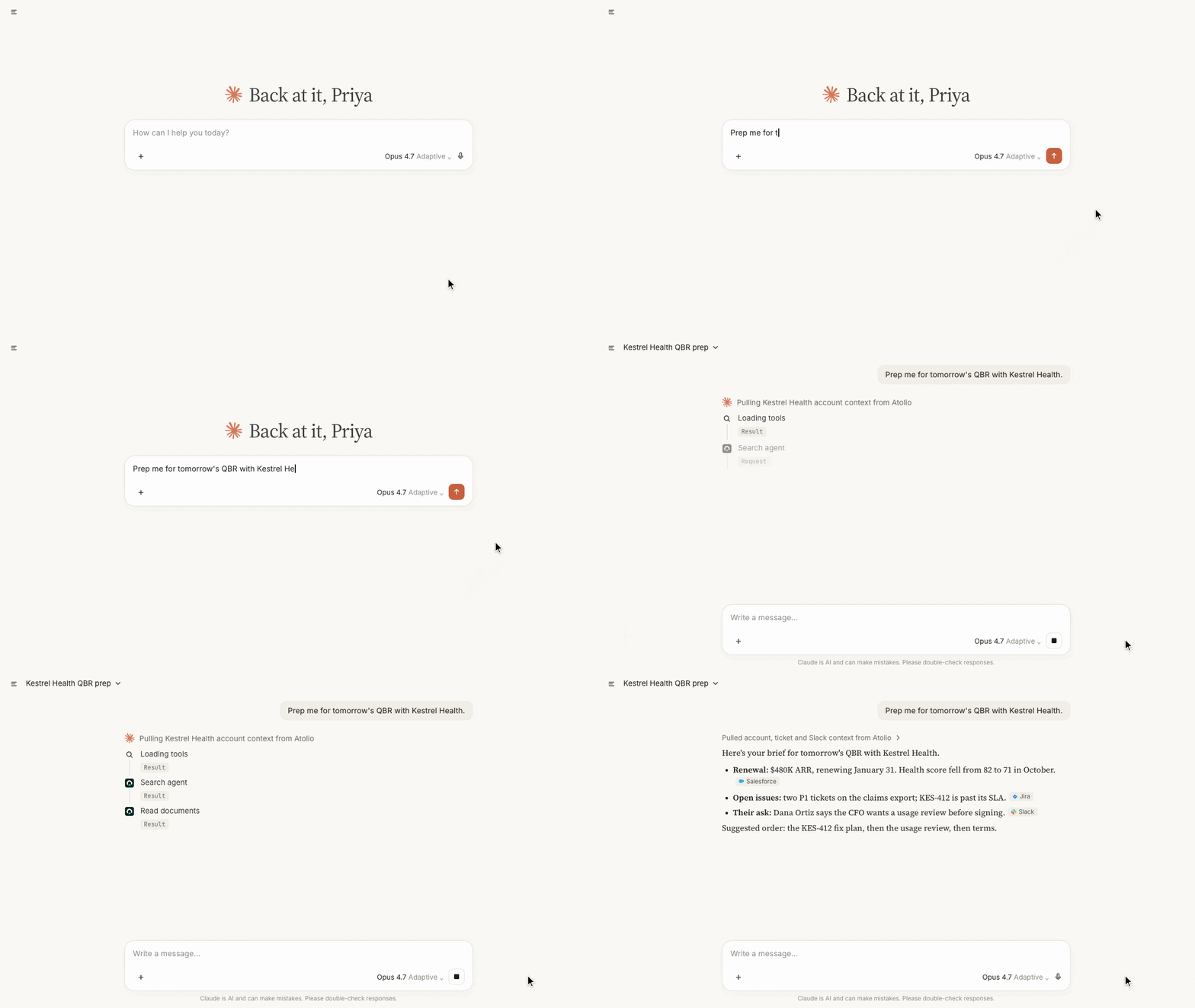

Atolio in Claude
Claude reads from SharePoint, Slack, Salesforce, Jira and the rest through one connection, not one connector per app.
Claude only sees what the user asking can see. Permissions sync continuously from your source systems and are checked on every query.
One call returns ranked, scoped context, so Claude Code and Cowork skip the system-by-system search. This uses up to 80% fewer tokens.
Every answer links to the exact document, message or record, so people can verify it in one click.
Trusted by teams across leading enterprises


Add Atolio’s endpoint to Claude and sign in with your identity provider. Your admins choose who can connect.
Signed in as each user
Off until you approve it
What Claude receives
Inside your environment · cloud or on-prem
Signed in as each user
Every request runs as the user asking, so Claude sees only what they can see.
Claude
Works in
Claude on web and desktop
Claude Code
Cowork
Agents built with the Claude Agent SDK
Claude
Prep me for tomorrow’s QBR with Kestrel Health.
Claude Code
Why did we deprecate the v1 billing endpoint? Update the migration guide.
Cowork
Build this week’s escalations summary for my accounts.
Prep me for tomorrow’s QBR with Kestrel Health.
Atolio, behind this call

Atolio

Salesforce

Jira

Slack

Confluence
Jira
Slack

ServiceNow
Salesforce

Microsoft Teams
Claude
Account history, open tickets and the latest Slack thread, in one cited brief.
Salesforce
Jira
Slack
The design doc, the ticket and the decision thread, pulled in before Claude edits the guide.
Confluence
Jira
Slack
Open escalations across support, CRM and chat, scoped to the accounts you own.
ServiceNow
Salesforce
Microsoft Teams
The same index, permissions and logs work across every assistant and agent your team uses.
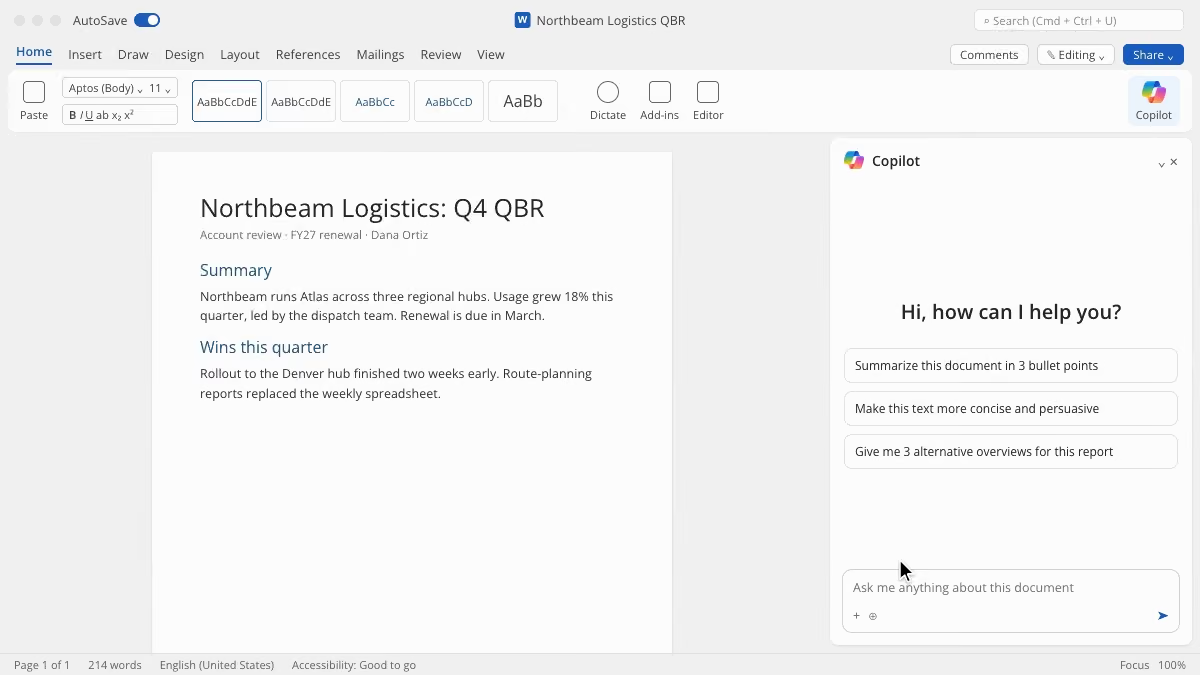

Atolio for Microsoft 365 Copilot
Microsoft 365 Copilot, grounded in every system you run
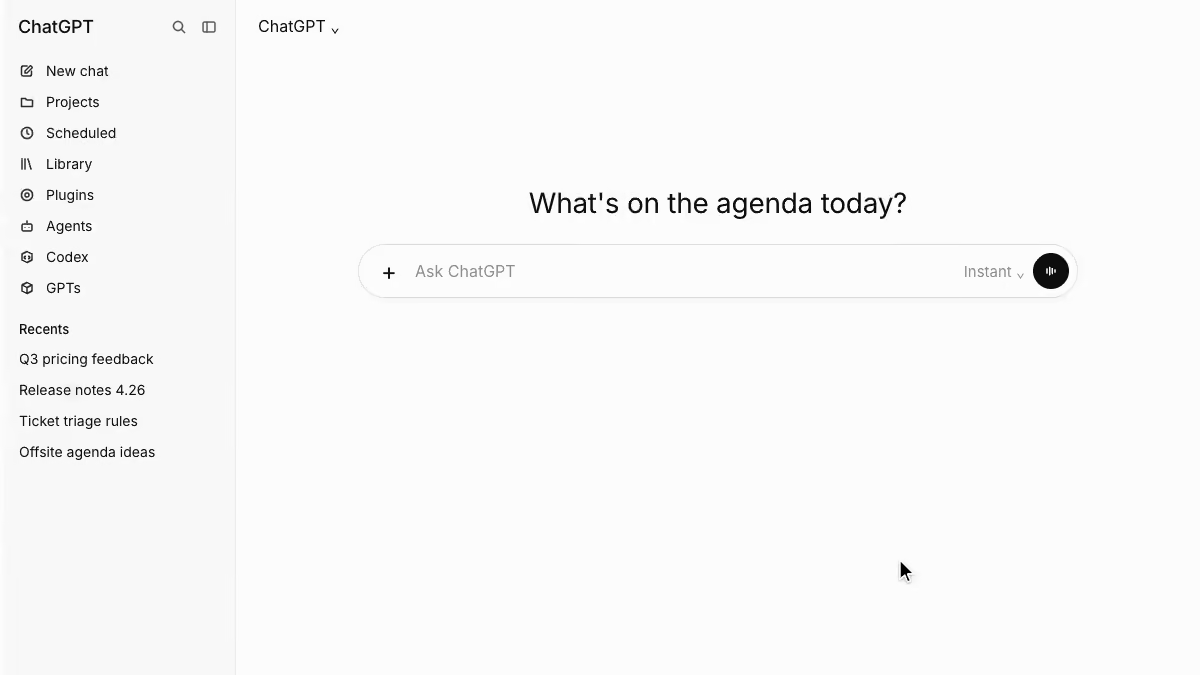

Atolio for ChatGPT
ChatGPT, grounded in everything your company knows
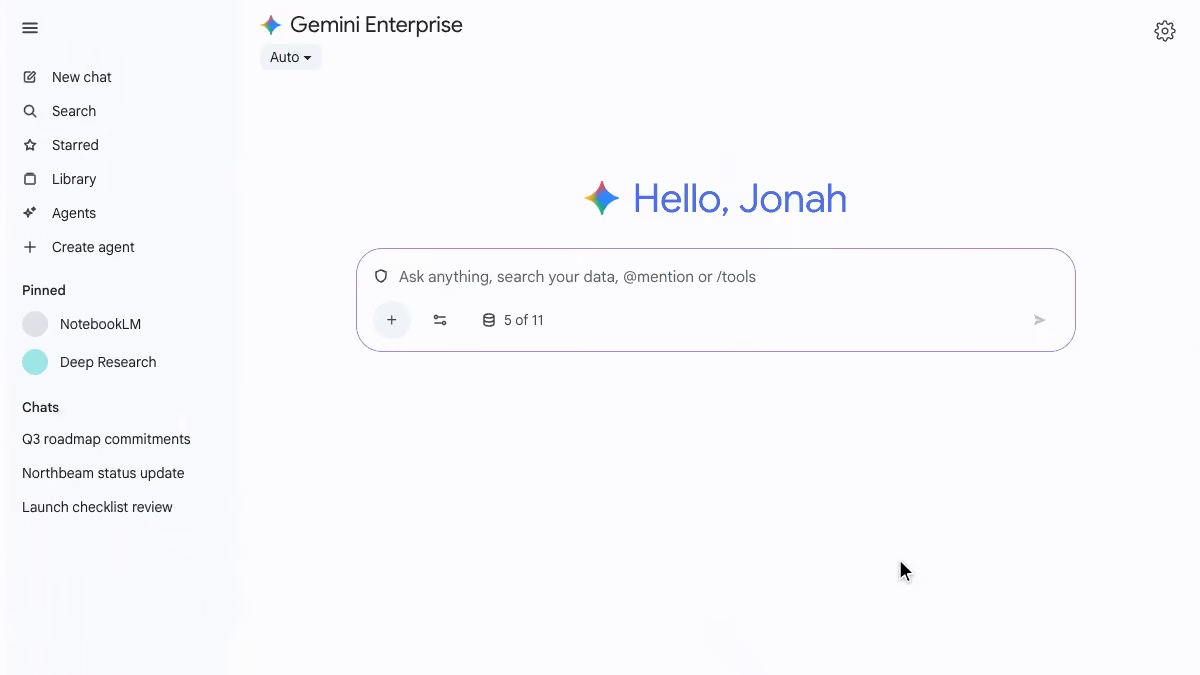

Atolio for Gemini Enterprise
Gemini Enterprise, grounded in every system you run
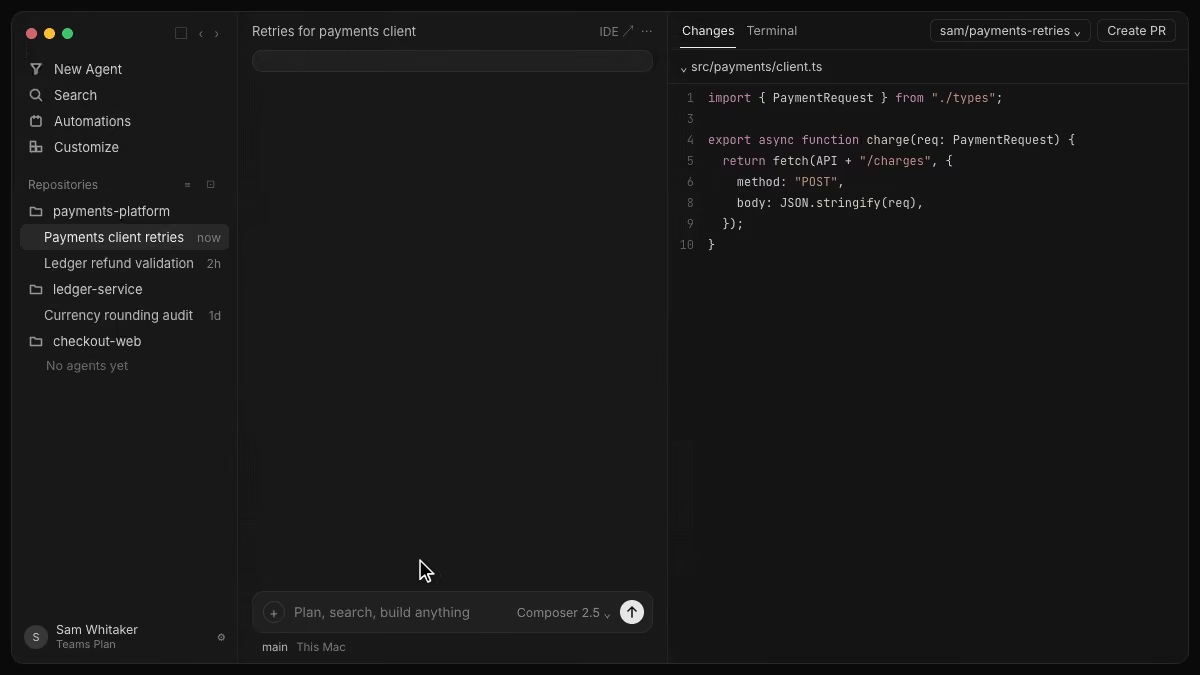

Atolio for Cursor
Cursor, now with your company context powering every line of code
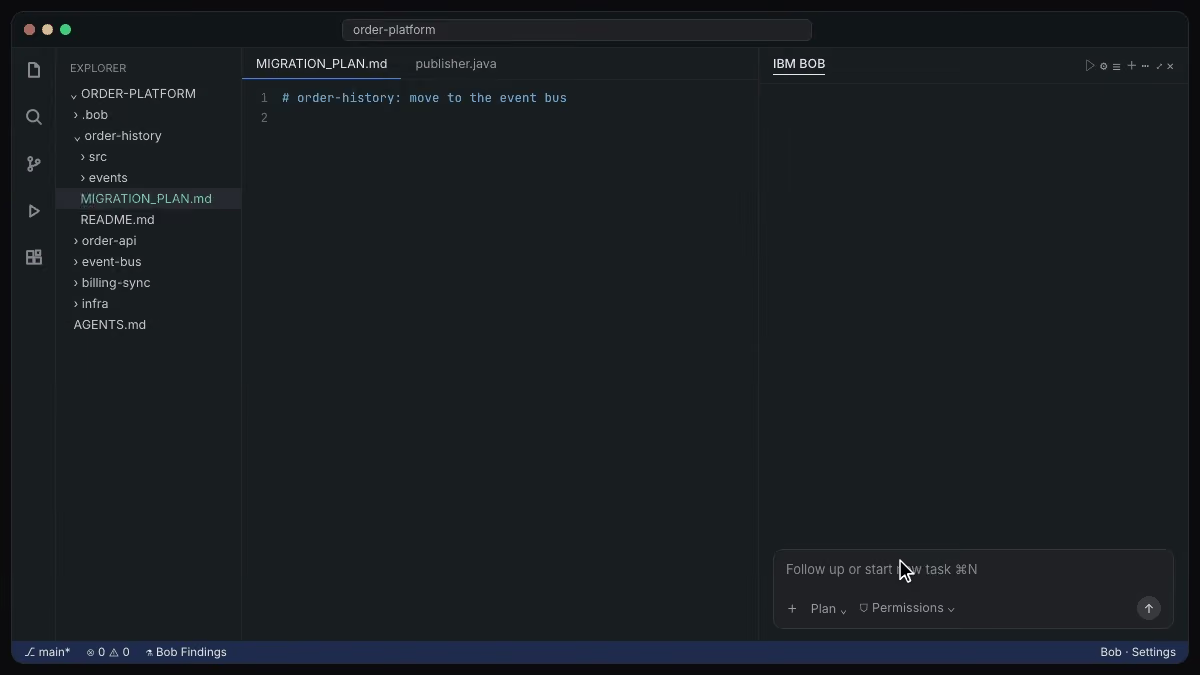

Atolio for IBM Bob
IBM Bob, now with your company context powering every line of code
FAQs
You connect Atolio to Claude by adding Atolio’s Model Context Protocol (MCP) endpoint as a custom connector.
An admin adds the endpoint URL once in Claude’s connector settings. The first time each user uses it, Claude opens a sign-in to Atolio through your existing single sign-on (SSO), and from then on every request runs as that user.
Access is off by default. Your Atolio admins approve which AI tools can connect and which people can use them, so a pilot group can start before everyone else.
The same endpoint works in Claude on web and desktop, in Claude Code and in Cowork. Agents your developers build with the Claude Agent SDK can use it too, so you set up one connection instead of one per surface.
Exact menu paths change as Anthropic updates Claude, so we keep step-by-step instructions in the Atolio setup guide rather than on this page.
Turning a tool or a user off in Atolio takes effect on their next request, so pausing a pilot is a single change.
Claude receives only the context Atolio returns for each request, never your index or your source systems.
Atolio runs in your own cloud account or on-prem, under your keys. Your content, permissions and index stay there. When someone asks Claude a question, Atolio finds the passages that user is allowed to see, ranks them and sends back a short, cited answer for that request.
That response is what reaches Claude. How Anthropic handles it is governed by your agreement with Anthropic, the same as anything else your people type into Claude.
Compare that with connecting Claude to each system directly. There, every connector pulls content into the conversation on its own terms, and your security team has a separate path to review for every app.
With Atolio, there is one path to review, one place to set policy and one log of every call.
Your security team can review that log at any time, and it stays in your environment with everything else.
Claude sees only what the user asking is allowed to see in each source system.
Atolio indexes content together with its permissions from each connected system. Permissions sync continuously from your source systems and are checked on every query, so a change in SharePoint or Salesforce carries through in near real time.
Each request from Claude carries the signed-in user’s identity. Atolio filters results to that user before anything is ranked or returned, so restricted content never reaches the model.
Admins can narrow access further with Knowledge Scopes, which limit an agent or a team to the sources and paths it needs. A support agent built on Claude can see support data without seeing finance.
Every call is logged in Atolio with the user, the tool and the sources used, so your security team can answer who saw what, and when.
If someone loses access to a file or a channel, Claude loses it too, without anyone updating a connector. That keeps answers in line with what each user could open themselves.
Yes, Atolio works with Claude Code through the same Model Context Protocol (MCP) endpoint as Claude chat.
Developers add Atolio once and sign in through your single sign-on (SSO). After that, Claude Code can pull context from outside the repository while it works: the design doc behind an API, the ticket that changed it, the Slack thread where the team decided, or the incident report that explains a workaround.
That matters because most of the reasoning behind code lives outside the code. Without it, Claude Code guesses from the source alone or asks the developer to paste context in.
Atolio returns ranked, cited context in one call, so Claude Code skips searching each system in turn. Teams typically use up to 80% fewer tokens on tasks that need company context.
Permissions apply the same way as anywhere else. A developer’s Claude Code session sees only what that developer can see, and every call is logged.
Yes, one Atolio deployment serves Claude and every other AI tool your teams use, at the same time.
Atolio’s endpoint follows the open Model Context Protocol (MCP) standard, so Microsoft 365 Copilot, ChatGPT, Gemini Enterprise, Cursor and IBM Bob connect the same way Claude does. Each tool gets the same permission-aware context from the same index.
That has two practical benefits. First, people get consistent answers whichever tool they prefer, because every tool reads from the same governed source. Second, you can add, switch or drop AI vendors without rebuilding connectors, re-indexing content or redoing a security review.
Many of our clients run more than one assistant: Copilot for Microsoft 365 users, Claude for analysts and Claude Code or Cursor for engineers. Atolio keeps policy, permissions and logging in one place across all of them.
You can also see usage and token spend by tool, team and agent, which helps when you decide where each license is worth it.


