Atolio for Microsoft 365 Copilot

Microsoft 365 Copilot, grounded in every system you run

Get more out of the Copilot investment you’ve made. Atolio connects to Slack, Salesforce, Jira, GitHub and the rest of your systems, bringing in critical context scoped to each user’s permissions, all inside your environment.

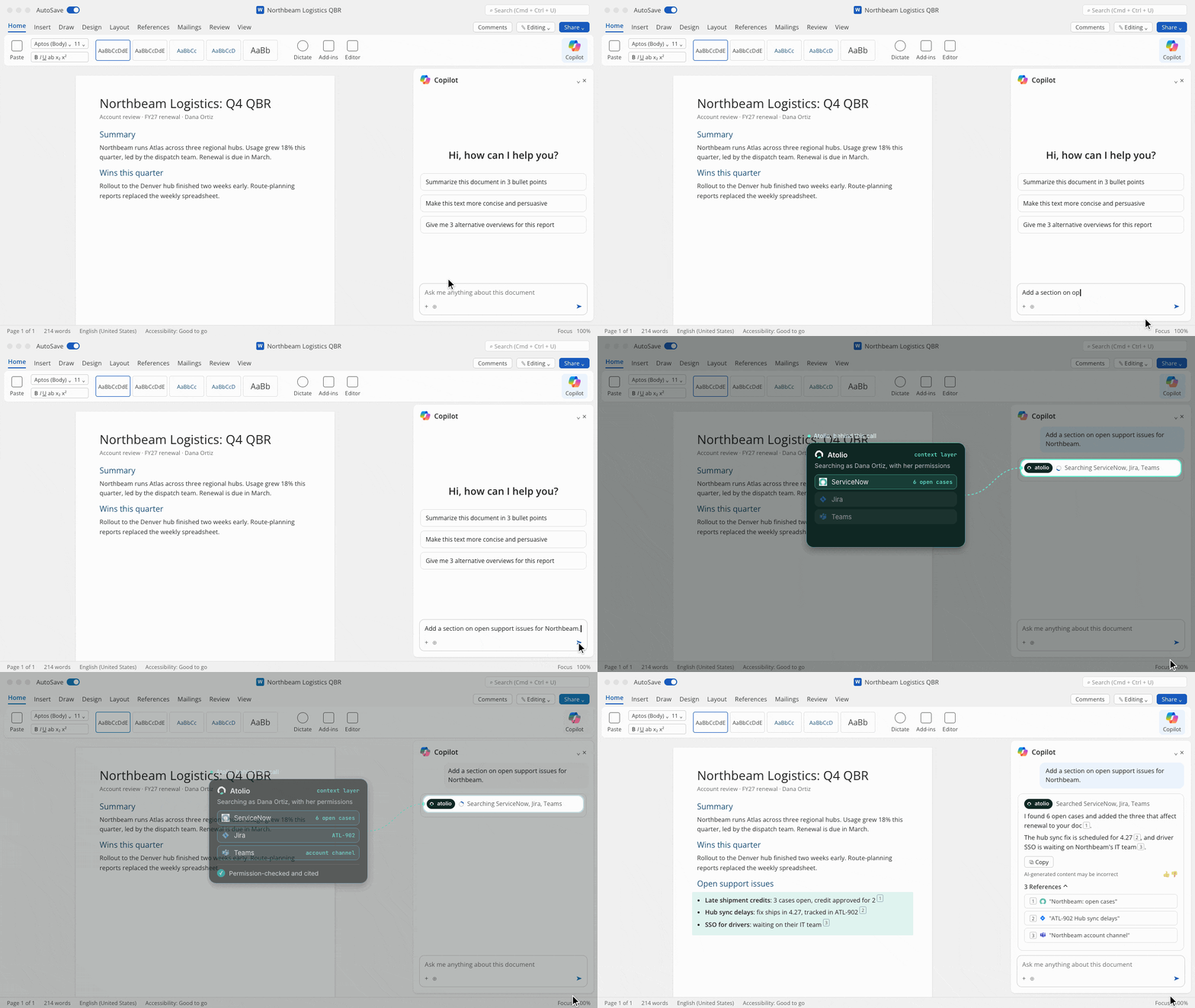
In Copilot, Atolio shows up as a source. Copilot pulls from it mid-answer and cites what comes back.
Microsoft Copilot

Atolio in Microsoft 365 Copilot

What changes when Atolio powers Copilot

  • Beyond Microsoft 365

    Copilot answers from every system your teams use, not only Microsoft’s own apps.

  • Each user’s permissions

    Permissions sync continuously from your source systems and are checked on every query.

  • Agents with real context

    Context is scoped to the user asking. Agents built in Copilot Studio connect once and inherit the same permissions, scopes and logging.

  • More from every seat

    The Copilot licenses you already pay for answer more questions, more accurately, with more context, and with citations people can check.

Trusted by teams across leading enterprises

  • X-Chem
  • StrongDM
  • U.S. Air Force
  • Cengage
  • PLI

Connect once, through Atolio’s MCP endpoint

Add Atolio’s endpoint to Microsoft 365 Copilot and sign in with your identity provider. Your admins choose who can connect.

Read the setup guide

Signed in as each user

Off until you approve it

What Copilot receives

Inside your environment · cloud or on-prem

Signed in as each user

Every request runs as the user asking, so Copilot sees only what they can see.

Microsoft 365 Copilot

Works in

  • Microsoft 365 Copilot app

  • Copilot in Outlook, Word and Teams

  • Copilot Studio agents

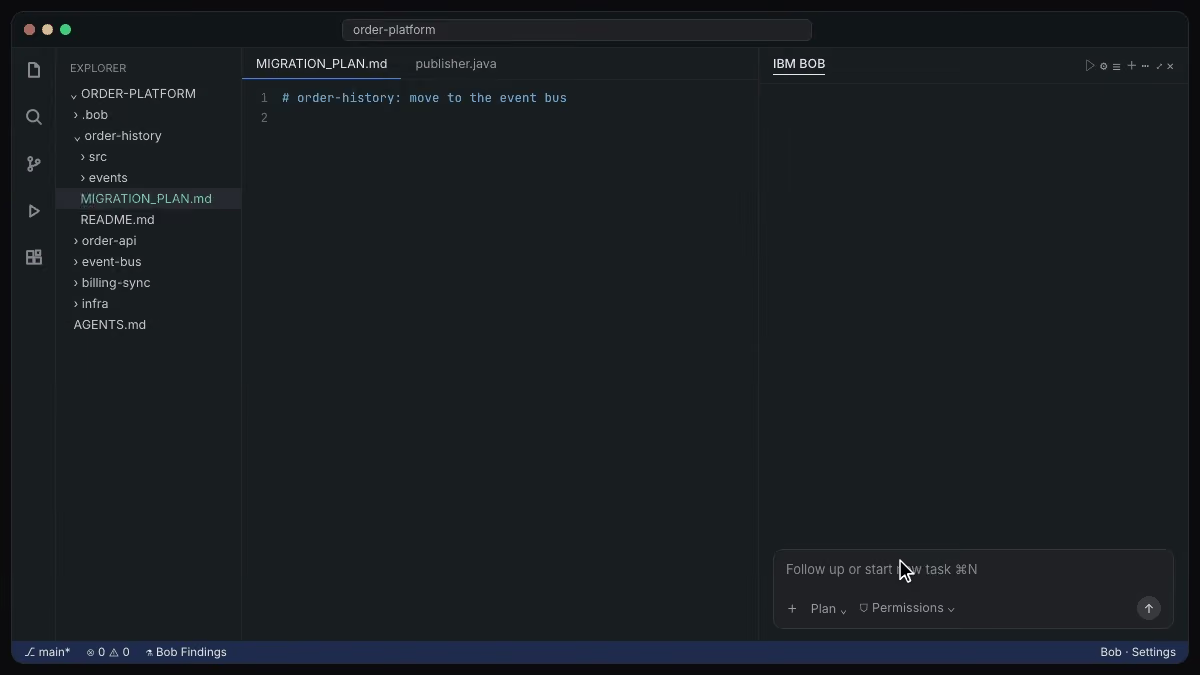
  • GitHub Copilot in VS Code

  • Agents built with Microsoft Foundry

Atolio powers all the ways you use Copilot

Draft a reply to Northbeam about the delayed shipment credit.

Atolio, behind this call

Atolio

  • ServiceNow

  • Salesforce

  • Slack

  • ServiceNow

  • Jira

  • Microsoft Teams

  • Salesforce

  • ServiceNow

  • Microsoft Teams

Microsoft Copilot

Microsoft 365 Copilot

The open case, the approved credit and the account channel, pulled into the draft.

ServiceNow

Salesforce

Slack

Open cases, linked engineering tickets and their status, each one cited.

ServiceNow

Jira

Microsoft Teams

An agent with a Knowledge Scope reads CRM, support and chat, and every call is logged.

Salesforce

ServiceNow

Microsoft Teams

With Atolio, one connection serves every AI tool

The same index, permissions and logs work across every assistant and agent your team uses.

FAQs

Questions about Microsoft 365 Copilot and Atolio

You connect Atolio to Microsoft 365 Copilot through Atolio’s Model Context Protocol (MCP) endpoint.

A Microsoft 365 admin adds Atolio once. After that there’s nothing for people to select: Copilot calls Atolio on its own whenever a question needs context from outside Microsoft 365. The first time each user’s request reaches Atolio, they sign in through your identity provider, such as Microsoft Entra ID, and every request after that runs as them.

Access is off by default on the Atolio side too. Your Atolio admins approve which tools can connect and which people can use them, so you can start with a pilot group.

The same endpoint serves Copilot Studio agents, agents your developers build with Microsoft Foundry and GitHub Copilot in VS Code. You set up one connection rather than one per surface.

Microsoft is changing how Copilot connects to outside data quickly, so we keep step-by-step instructions in the Atolio setup guide instead of on this page.

No, you don’t need Microsoft Graph connectors for the systems Atolio already covers.

Graph connectors copy content from outside systems into Microsoft 365 so Copilot can search it. That means a second copy of your data, a connector to maintain for every app, and permissions that can drift from the source.

Atolio takes a different approach. It indexes each system inside your own environment, keeps permissions in sync with the source and returns only the context Copilot needs for each request. Nothing is copied into Microsoft 365.

Copilot keeps doing what it does best with Microsoft 365 content: your mail, files, meetings and chats. Atolio adds everything else, such as Slack, Salesforce, Jira, ServiceNow and GitHub, plus in-house tools we build custom connectors for.

If you already run Graph connectors for some systems, you can keep them during a transition and retire them as Atolio covers each source. Many clients use the switch to cut the number of integrations they maintain.

Copilot receives only the context Atolio returns for each request, not your index or your source systems.

Atolio runs in your own cloud account or on-prem, under your keys and your identity and access management (IAM) policies. Your content, permissions and index stay there.

When someone asks Copilot a question that needs outside context, Atolio finds the passages that user can see, ranks them and returns a short, cited answer. That response is processed under your existing Microsoft 365 agreement, like any other content Copilot works with.

This differs from copying content into Microsoft 365 with Graph connectors, where a full copy of each system lives in another tenant. With Atolio, the full copy never leaves your environment.

Every call is logged in Atolio with the user, the tool and the sources used. Your security team gets one place to review instead of a separate connector for every app.

Your Microsoft 365 content stays where it is today, and Copilot keeps grounding on it as before.

Copilot sees only what the user asking is allowed to see in each connected system.

Atolio indexes content together with its permissions. Permissions sync continuously from your source systems and are checked on every query, so changes in Salesforce or Jira carry through in near real time.

Each request from Copilot carries the signed-in user’s identity from Microsoft Entra ID or your other identity provider. Atolio maps that user to their accounts in every connected system and filters results before anything is returned.

For agents built in Copilot Studio, admins can go further with Knowledge Scopes. A scope limits an agent to the sources, folders or projects it needs, so a renewals agent can read CRM and support data without seeing HR.

Every call is logged, including which agent made it and which sources it used. That gives your security team a record of what Copilot and its agents saw, and when.

Yes, one Atolio deployment serves Copilot and every other AI tool your teams use, at the same time.

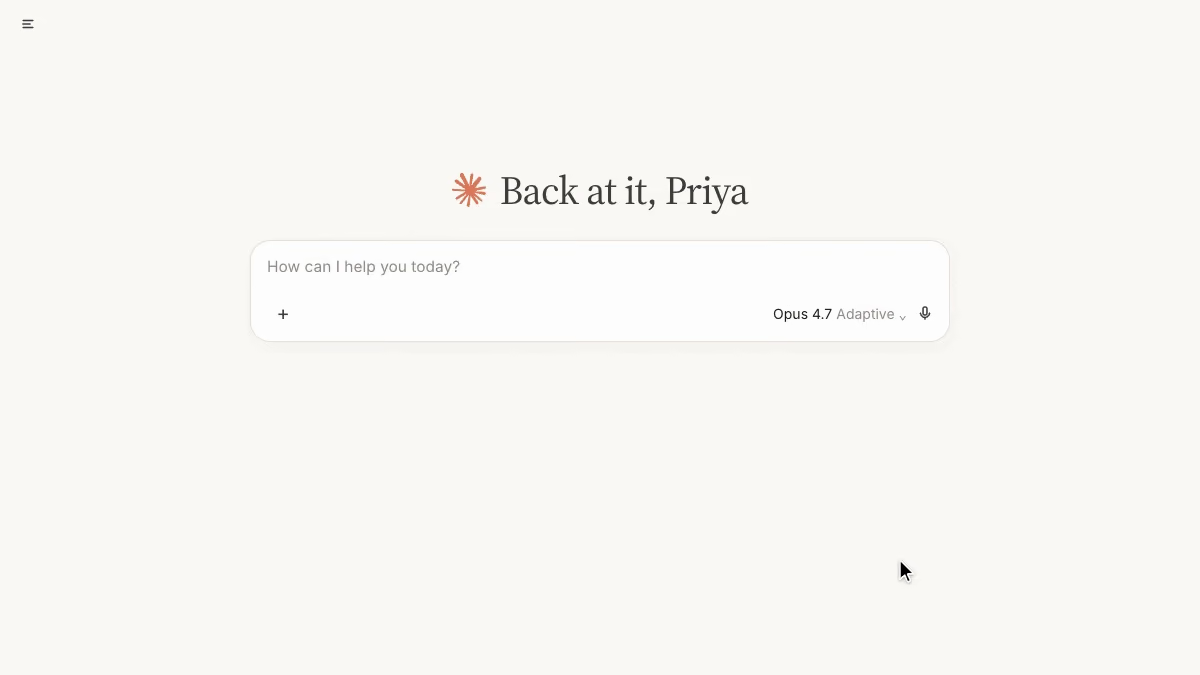
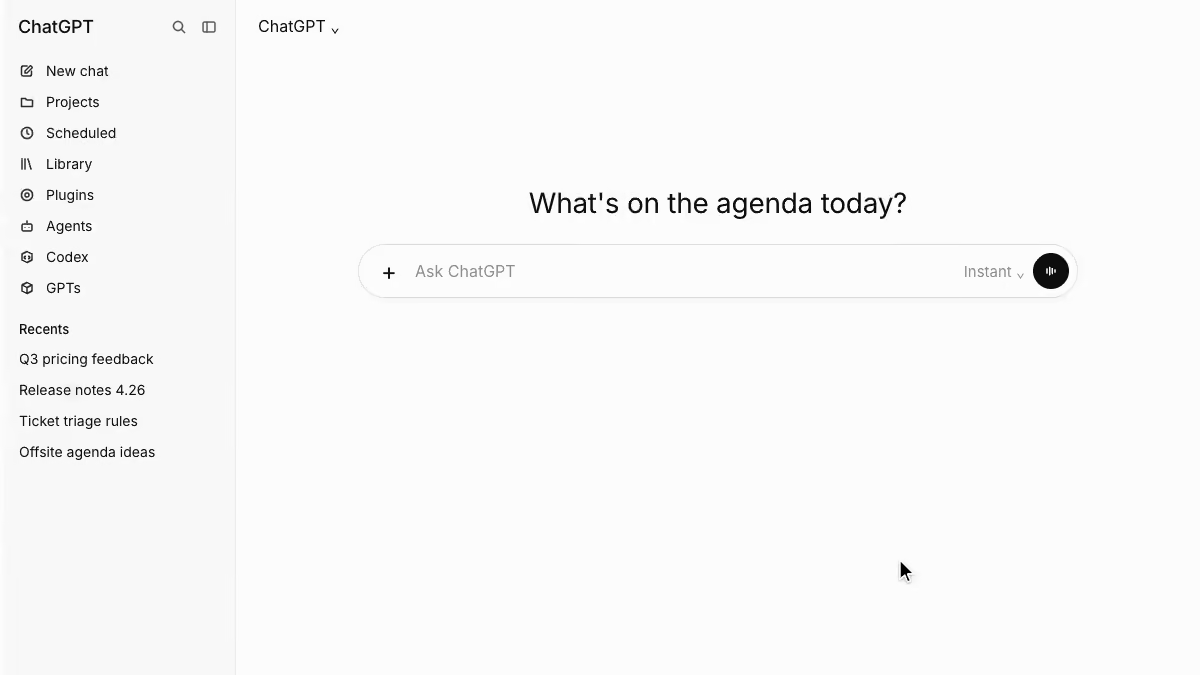
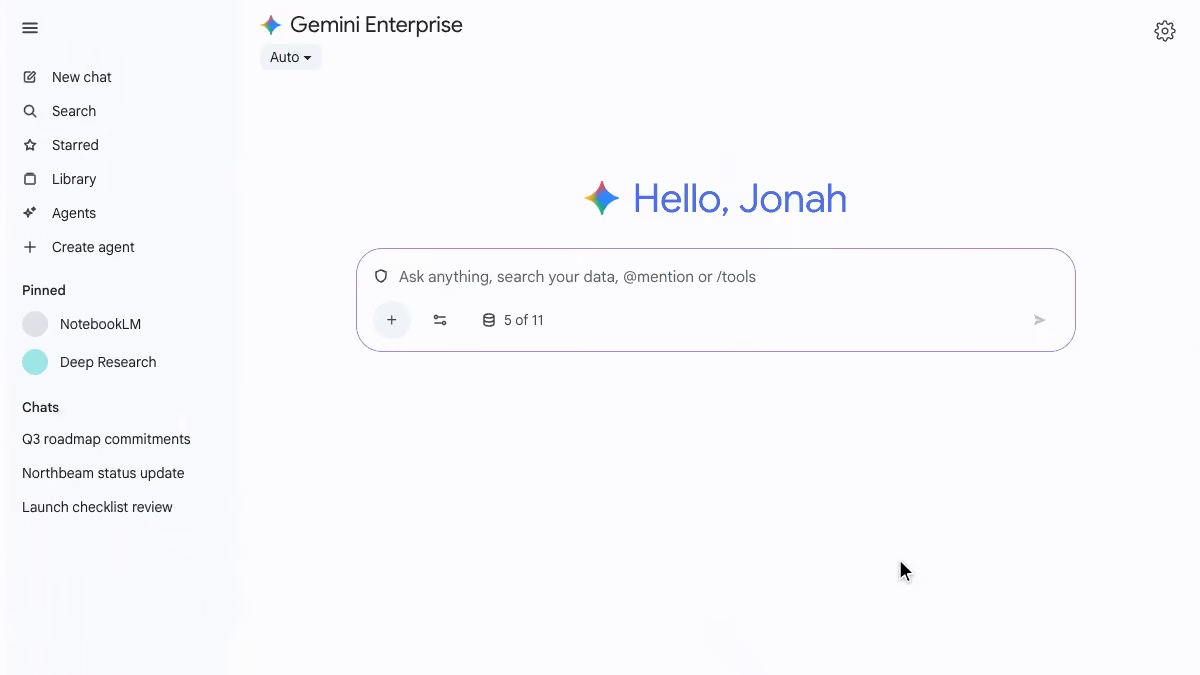
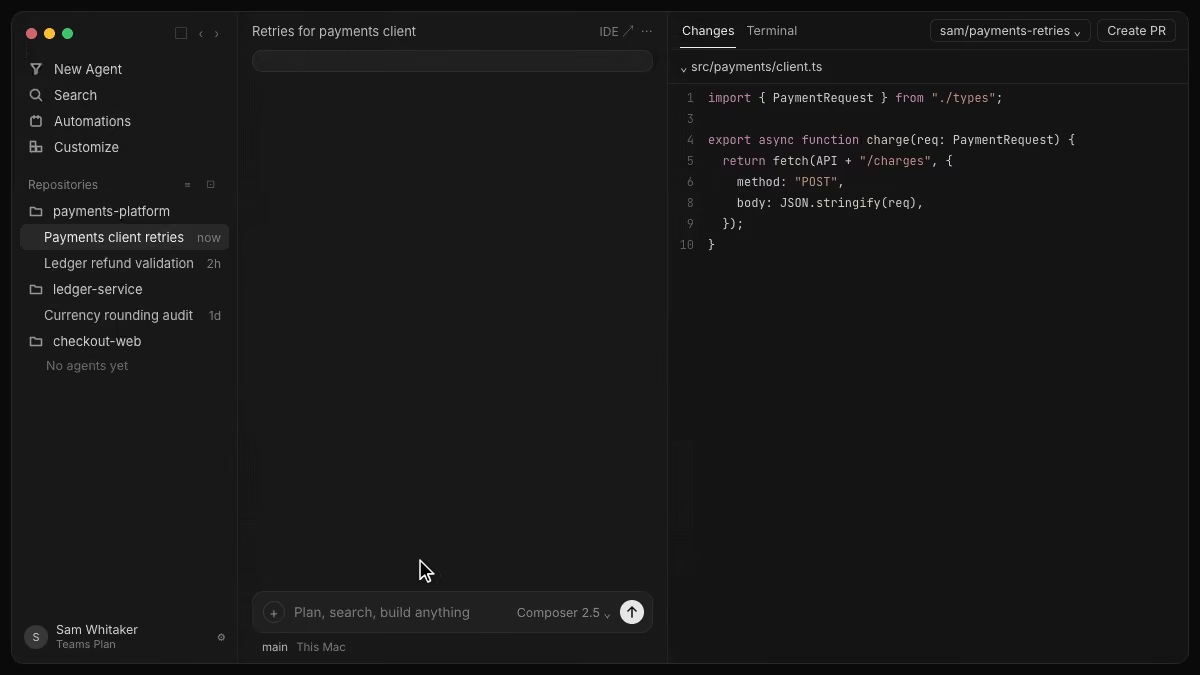
Atolio’s endpoint follows the open Model Context Protocol (MCP) standard, so Claude, ChatGPT, Gemini Enterprise, Cursor and IBM Bob connect the same way Copilot does. Each tool reads the same permission-aware index.

Many organizations standardize on Copilot for Microsoft 365 users while engineers use Cursor or Claude Code and analysts use Claude or ChatGPT. Atolio keeps policy, permissions and logging consistent across all of them, so answers match whichever tool someone opens.

It also keeps your options open. You can add or change AI vendors without rebuilding connectors, re-indexing content or redoing a security review.

Atolio shows usage and token spend by tool, team and agent, which helps you see where each license pays off.

Each tool still runs under its own vendor agreement, while Atolio applies the same permissions and logging to all of them. One deployment, one security review and one audit log cover every assistant your teams use, now and later.

Give Copilot your company's context, securely